Leads Scraper - A Configurable Chrome Extension for Automated Lead Extraction
A Chrome extension that passively extracts emails, phone numbers, and structured data from every page you browse — no scripts to maintain, no auth headaches, no manual copying.
I had a growing collection of messy scripts scattered across different projects — each one hardcoded for a specific website. Authentication was a constant headache — some sites required cookies, others needed token refresh logic, and a few had bot detection that blocked my requests entirely. Maintaining all of it was exhausting. I wanted something that ran on autopilot inside the browser, bypassing auth issues entirely because it operated on pages I was already logged into. That's what led to building Leads Scraper.
What It Does
Imagine browsing the web and having every email address, phone number, and LinkedIn profile silently collected in the background — no copying, no pasting, no missed contacts. That's Leads Scraper. You install it, configure what you want to extract, and it works while you browse. No scripts to run, no websites to log into separately, no maintenance.
It extracts data two ways.
Pattern matching picks up things like emails and phone numbers from any page you visit — you choose which types of data to collect and which websites to target.
Page-specific extraction goes deeper — point it at a directory, a job board, or a listings page and it pulls structured records with names, titles, companies, prices, whatever fields matter to you.
Every lead is deduplicated automatically. The same email found on ten pages appears once with all its sources. It keeps watching the page even after it loads — so infinite scroll, dynamic content, and single-page apps all get scraped without you lifting a finger.
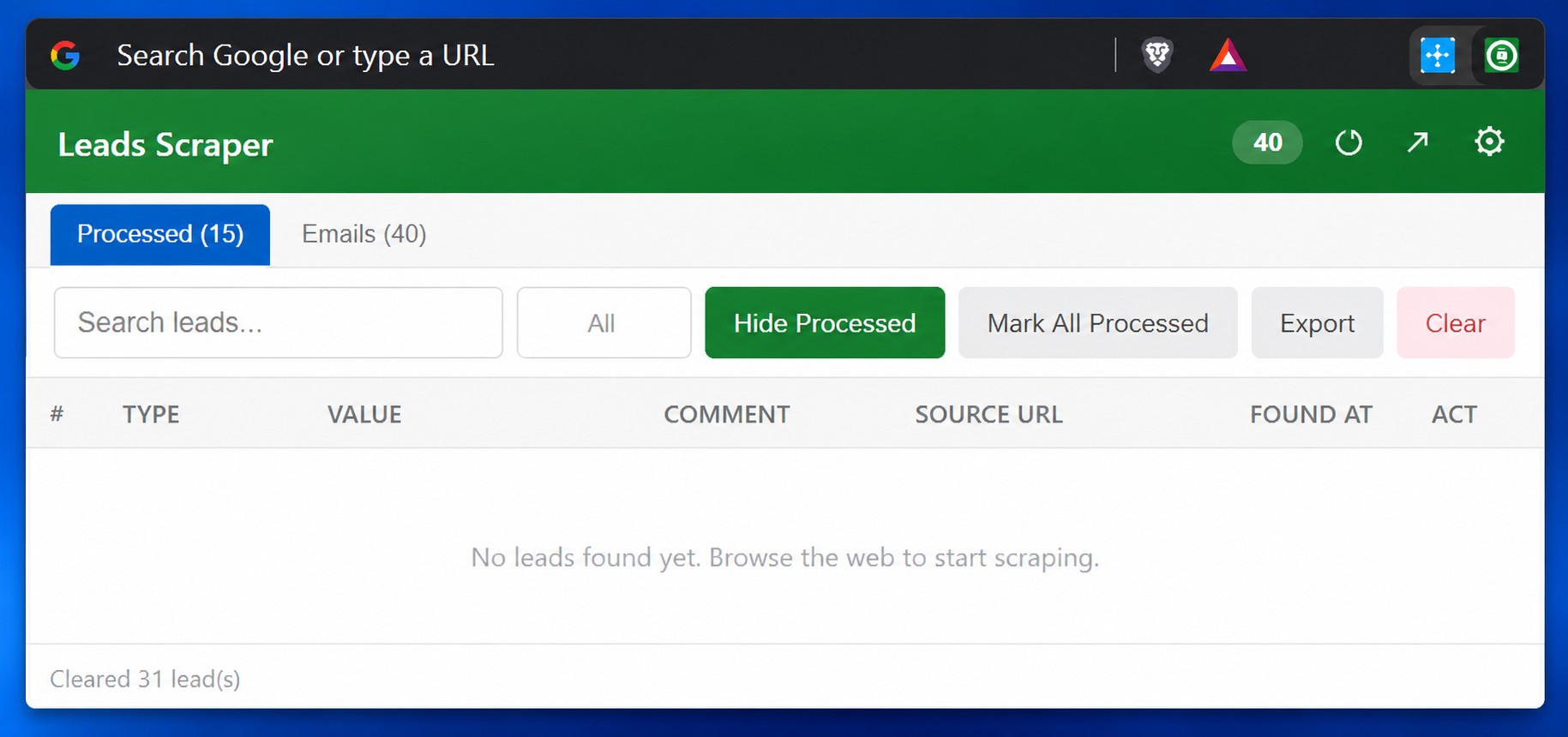
Getting Data Where You Need It
Leads Scraper connects directly to your CRM, Google Sheet, webhook, or any API endpoint. Set it up once and leads flow automatically in batches — you control the batch size and how often they're sent. If something fails halfway through, the leads that went through are marked done and the rest retry on the next cycle. Nothing gets lost.
You can also export everything to CSV, JSON, or Markdown whenever you want. Search, filter by type, hide already-processed leads, and download exactly what you need.
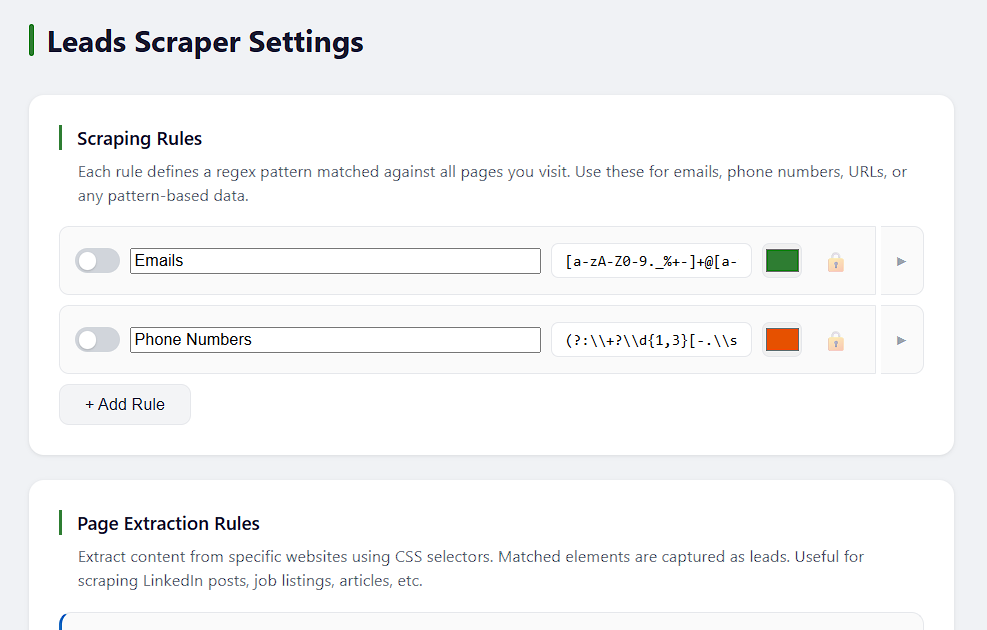
The whole point is zero manual work. Browse normally, leads collect themselves, and the data ends up where your business needs it. The goal was to connect it with some automation pipeline with AI for analysis which then returns the data I want specifically.
I built this for myself to solve my own pain points and it works quite well, I might publish it on Chrome store if allowed but I haven't found similar extension so I built one for myself.
Related Projects
AI-Powered LinkedIn Lead Generator with n8n
Hundreds of LinkedIn posts and profiles are posted daily. I built an n8n workflow that uses AI to analyze them and deliver warm leads straight to Telegram.
Change Monitor - Building a Website Change Detection System with Puppeteer and Telegram
How I built a full-stack website monitoring application that detects changes, captures screenshots, and sends instant notifications using Puppeteer, Express, and Telegram.
Built by Hamza
Published on June 3, 2026